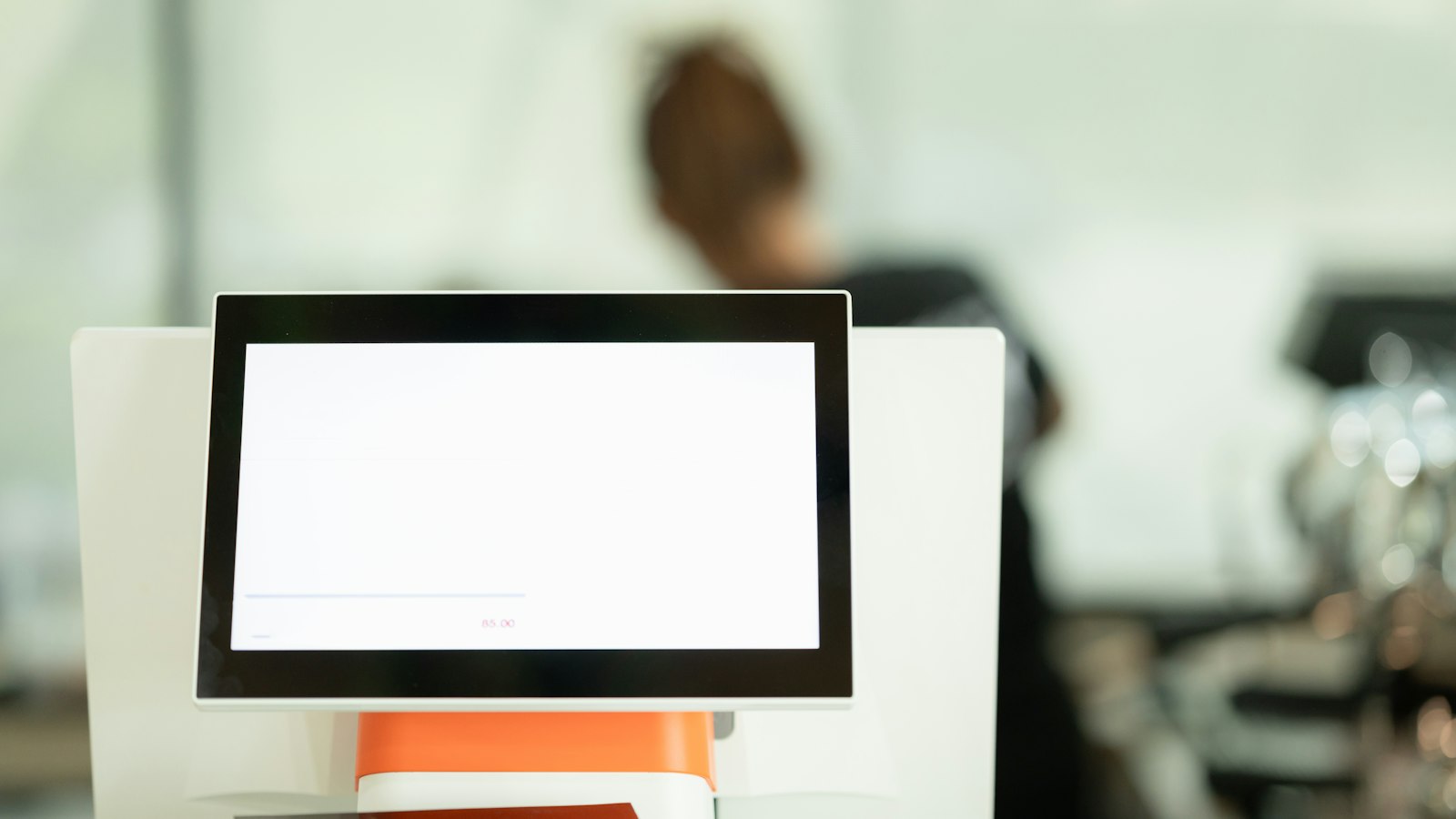
Best Tablet for Credit Card Processing: What to Look For

Current as of November 2026.
The line at a coffee counter moves fast when the tablet recognizes the card reader, fires the receipt, and opens the drawer without a hitch. When those pieces don't talk to each other cleanly, the whole rhythm breaks. So before getting into iPad versus Android or which stand looks best on your counter, the honest answer to what tablet is "best" for credit card processing is this: the one that integrates tightly with the POS software you're running and the card reader paired to it. Everything else follows from that.
Why Are So Many Small Businesses Switching to Tablet POS?
A tablet POS setup has replaced traditional countertop terminals in many small businesses over the last several years, and the reasons aren't hard to see. A dedicated countertop terminal handles one job. A tablet running the right software handles payments, inventory, employee clock-in, customer-facing receipts, and end-of-day reporting from the same screen. For a shop owner managing a small staff and limited floor space, that consolidation matters. The Federal Reserve's 2024 Diary of Consumer Payment Choice found that card payments (credit and debit combined) remain the most frequently used payment instrument, accounting for the largest share of consumer payments by number of transactions., which means the hardware sitting on your counter is not a minor decision. Getting it wrong can mean slower lines, manual workarounds, and gaps in your sales data that make it harder to order the right inventory or staff the right shifts.
iPad or Android: Which Tablet Works Better at a Business Counter?
The short version: iPad setups tend to offer tighter hardware-software integration, and Android setups tend to offer more flexibility in price and peripheral compatibility. Neither is universally better. What matters is whether the POS software you plan to run was built for one or the other, because running iOS software on an Android device, or vice versa, is simply not an option. Some software platforms are iOS-only. Others run on both but have features that work differently depending on the operating system.
For cafes and quick-service restaurants, iPad-based systems have a long track record and a wide selection of compatible stands, card readers, receipt printers and kitchen display systems. Android-based tablets tend to show up more often in full-service restaurant setups and in businesses where the POS provider builds their own hardware ecosystem. If you're evaluating point of sale checkout options for retailask the software provider directly which hardware they recommend and whether they support the peripherals you already own. Don't assume compatibility.
One thing to think through early is screen size. A seven-inch tablet might look clean on a narrow counter, but if your staff is ringing up a dozen modifiers on a food order or scanning barcodes on a retail transaction, they'll be pinching and scrolling more than they should. Ten inches or larger is a reasonable floor for most counter setups where speed is a priority.
Will Your Tablet POS Work When the Internet Goes Down?
Offline mode is the question that gets skipped most often during a demo. Some tablet POS systems store a transaction queue locally and sync when connectivity returns. Others stop working the moment the connection drops. For a retail shop with inconsistent Wi-Fi, or a food truck running off a hotspot, that distinction can mean the difference between getting through a lunch rush and turning customers away. Ask what happens to card transactions initiated offline. Some systems approve them provisionally up to a set limit, some decline all cards, and some allow cash only. Know which category your system falls into before a busy Saturday.
Battery life matters for the same reason. If you plan outdoor events or pop-ups, review how touchscreen point of sale terminals hold up in summer heat before committing.
Card Readers, Stands, and the Peripherals That Complete the Setup
The tablet alone doesn't process a card. It needs a card reader that accepts chip, tap, and swipe at a minimum. Magstripe-only readers have been a security liability for years, and card brands have made clear through their liability shift policies that merchants using them bear more of the fraud risk.
Stands matter more than they look. A good stand holds the tablet at a consistent angle for the customer-facing signature or PIN screen, keeps the reader within reach, and routes cables cleanly so the counter doesn't look like a tangle of cords. If your layout includes a cash drawer and receipt printer, check that those devices connect in a way the POS software actually supports. Many printers require a specific driver or app integration to fire automatically at the end of a transaction. For shops planning ahead, holiday layaway processing is a natural next step once your hardware is confirmed.
What Should You Watch For Before You Sign Anything?
The biggest red flags in tablet POS setups tend to be less about the hardware and more about the contracts and fees tied to it. Some providers offer the tablet at a discount in exchange for a multi-year processing agreement. Others lease the hardware so you pay significantly more than the retail price over the life of the lease. Read what you're signing for the software subscription, the processing rate structure, and any early termination clause.
Also ask whether the POS software charges per device or per location. A second card reader in a busy retail card reader setup can be worth the cost, but not if you're paying a second full software subscription for the same register.
How the Right Setup Keeps Your Line Moving
A well-integrated tablet POS does one thing better than anything else: it removes friction. The customer taps, the reader confirms, the receipt prints or sends to email, and the next person is already at the counter. That's the flow you're building toward. When the hardware, software and payment processing all come from a coordinated setup, the number of things that can break mid-transaction shrinks considerably.
Choosing a tablet for card processing isn't about picking the shiniest screen. It's about knowing what your POS software requires, confirming your peripherals work together, and stress-testing offline behavior before the system goes live.
Common Questions
What is the best tablet for credit card processing for a small business?
The best tablet is the one your POS software is built to run on, since running hardware that isn't officially supported by your software often creates peripheral compatibility problems and gaps in customer-facing features. For most counter setups, an iPad paired with a compatible EMV and NFC card reader is a common and well-supported configuration, but Android-based systems work well when the POS platform is designed around them.
Can a tablet POS system work without internet?
Some tablet POS systems queue transactions locally and sync when connectivity returns, while others require a live connection to approve any card payment. The difference is major for businesses in areas with inconsistent internet, so ask your software provider exactly what happens to in-progress card transactions during an outage before you commit.
What peripherals do I need with a tablet POS?
At minimum, most counter setups need a card reader that handles chip and tap payments, a receipt printer (thermal is most common), and a cash drawer if you accept cash. Compatibility between each peripheral and your specific tablet and software combination should be confirmed before you buy, because not all hardware pairs without additional configuration.
Is it better to buy or lease tablet POS hardware?
Buying outright typically costs less over time, and it gives you the flexibility to switch POS software or processing providers without being locked into a contract tied to the hardware. Leasing can appear attractive when the upfront cost is a concern, but lease terms sometimes result in paying well above the device's retail value across the lease period.
How does the tablet connect to payment processing?
The tablet runs the POS software, which connects through the internet to a payment processor every time a card is presented. The card reader captures the card data and passes it through the POS software to the processor for authorization, which typically takes a few seconds. The processor, POS software and card reader all need to be compatible for the transaction to complete cleanly.
Your Next Step: A Look at Point of Sale Options for Your Shop
Upward Merchant works with small businesses across the country to match them with the right tablet POS hardware and payment processing setup, whether that's a countertop iPad stand for a retail shop, a handheld Android system for a restaurant floor, or a mobile reader for a market or pop-up. The team reviews your current setup, your software, and your processing structure together so nothing gets purchased in the wrong order. To get a clear look at point of sale options for your shop start with a free consultation online or call 1-855-GET-UPWARD (1-855-438-8792).
Sources:
- Federal Reserve. "2024 Diary of Consumer Payment Choice." federalreserve.gov, www.federalreserve.gov/publications/2024-november-consumer-community-context-diary-of-consumer-payment-choice.htm.
- Federal Reserve. "2024 Diary of Consumer Payment Choice." federalreserve.gov, www.federalreserve.gov/paymentsystems/diary-of-consumer-payment-choice.htm.
- PCI Security Standards Council. "PCI SSC Document Library." pcisecuritystandards.org, www.pcisecuritystandards.org/document_library.
- Payments Dive. "Tablet POS Systems Gain Ground With Small Businesses." paymentsdive.com, www.paymentsdive.com/news/tablet-pos-systems-small-business-square-toast.
DISCLOSURE: This article is general information, not financial, legal or tax advice. Upward Merchant helps businesses set up payment processing, POS and related services through partner providers, and rates, approval and terms depend on each business. Mentions of other businesses and organizations are for information only and do not imply endorsement or payment.
Want to know what you're really paying?
Send us a recent processing statement and we'll walk you through it line by line. Free, with no obligation.