Choosing a Credit Card Processor for Your Restaurant
Current as of November 2026.
Picture a cafe owner who switches processors to save on fees, only to find three months later that her new system doesn't support tip adjustments after the card is closed out, and her servers are manually re-opening tickets every shift. The savings evaporated before the first statement arrived. Choosing a processor for a restaurant isn't the same exercise as choosing one for a boutique or a lawn care company. The hardware, the pricing structure, the tip workflows, the support hours, and the online ordering integration all interact in ways that only matter when your business runs tables.
Why Restaurant Payment Needs Are Different From Retail
A clothing store processes a card, the sale closes, done. A restaurant processes a card, holds it open, adds a tip, closes the check, and sometimes adjusts that tip later if the customer wrote a different amount on the slip. That sequence creates technical requirements that a basic card reader simply doesn't handle cleanly. Add a weekend brunch rush, a catering deposit taken two weeks in advance, an online ordering platform collecting card-not-present transactions, and you have four distinct payment flows running through one business, each with its own rate, risk profile, and hardware dependency.
Volume compounds everything. Every penny of per-transaction cost matters at that scale. A pricing model that looks fine on paper when you're imagining a $60 dinner check looks very different when most of your tickets are under $20.
Does Your Processor Actually Handle Tips the Right Way?
Tip handling is where restaurants get burned most often, and it's rarely discussed upfront during the sales process. There are two main approaches: a tip prompt before the card is returned (or at the counter on a customer-facing screen), and a tip adjustment after the fact, where the server adds the tip from a signed slip to the authorization that's already been captured. Both are legitimate, but not every processor or terminal supports both cleanly.
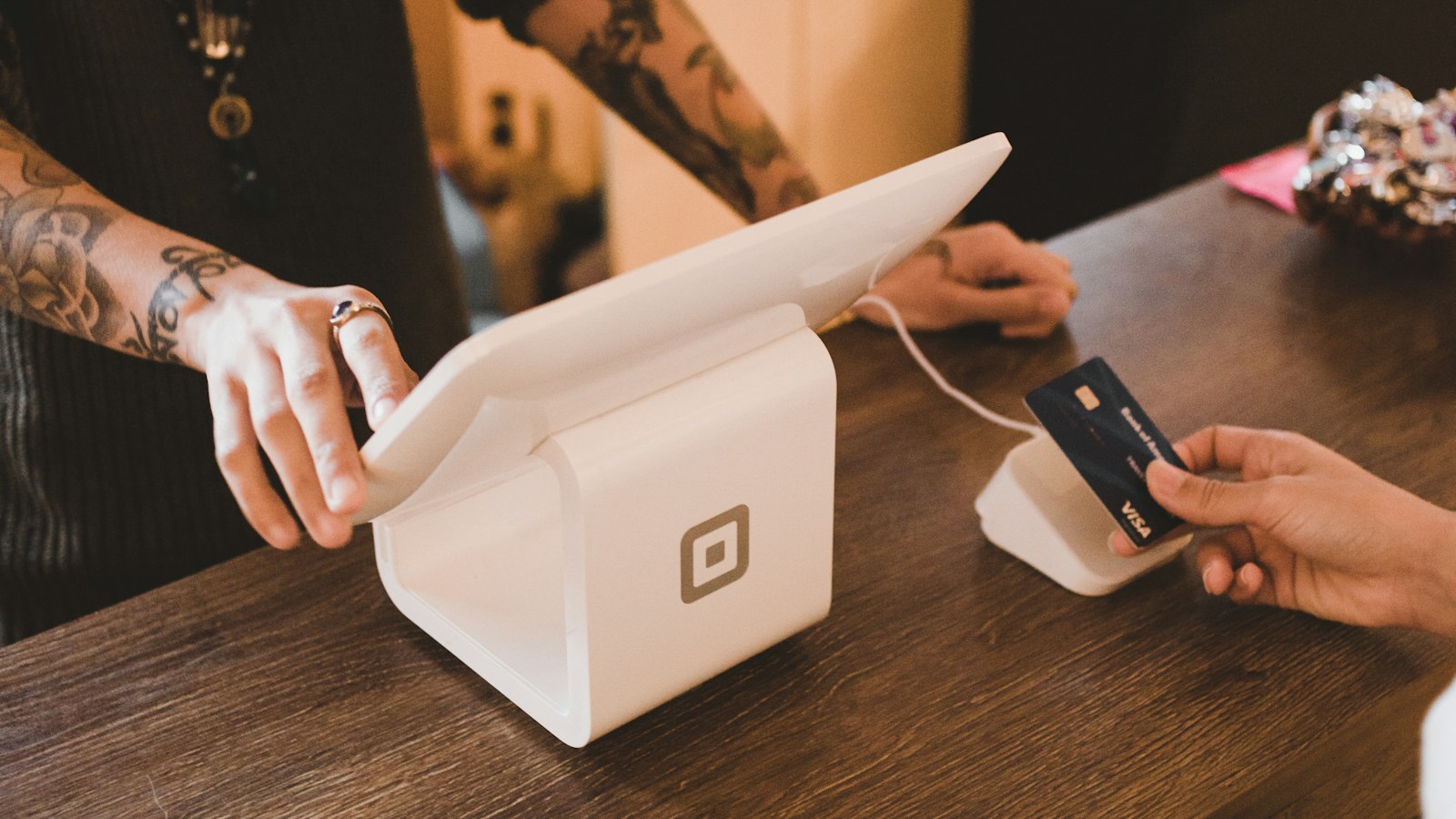
Pay-at-the-table systems, where a handheld device goes directly to the guest, eliminate the tip adjustment problem almost entirely because the customer enters the tip themselves before the transaction closes. That's cleaner for your accounting, reduces the risk of tip adjustment disputes, and speeds up table turns. Hardware like SkyTab restaurant point-of-sale terminals is built around this tableside model. If your dining room runs a traditional server-collected-slip workflow, ask any processor you're evaluating to walk you through exactly how their system processes a tip added after the initial authorization, and what happens when the adjusted amount exceeds a certain threshold.
How Does Online Ordering Change Your Processing Costs?
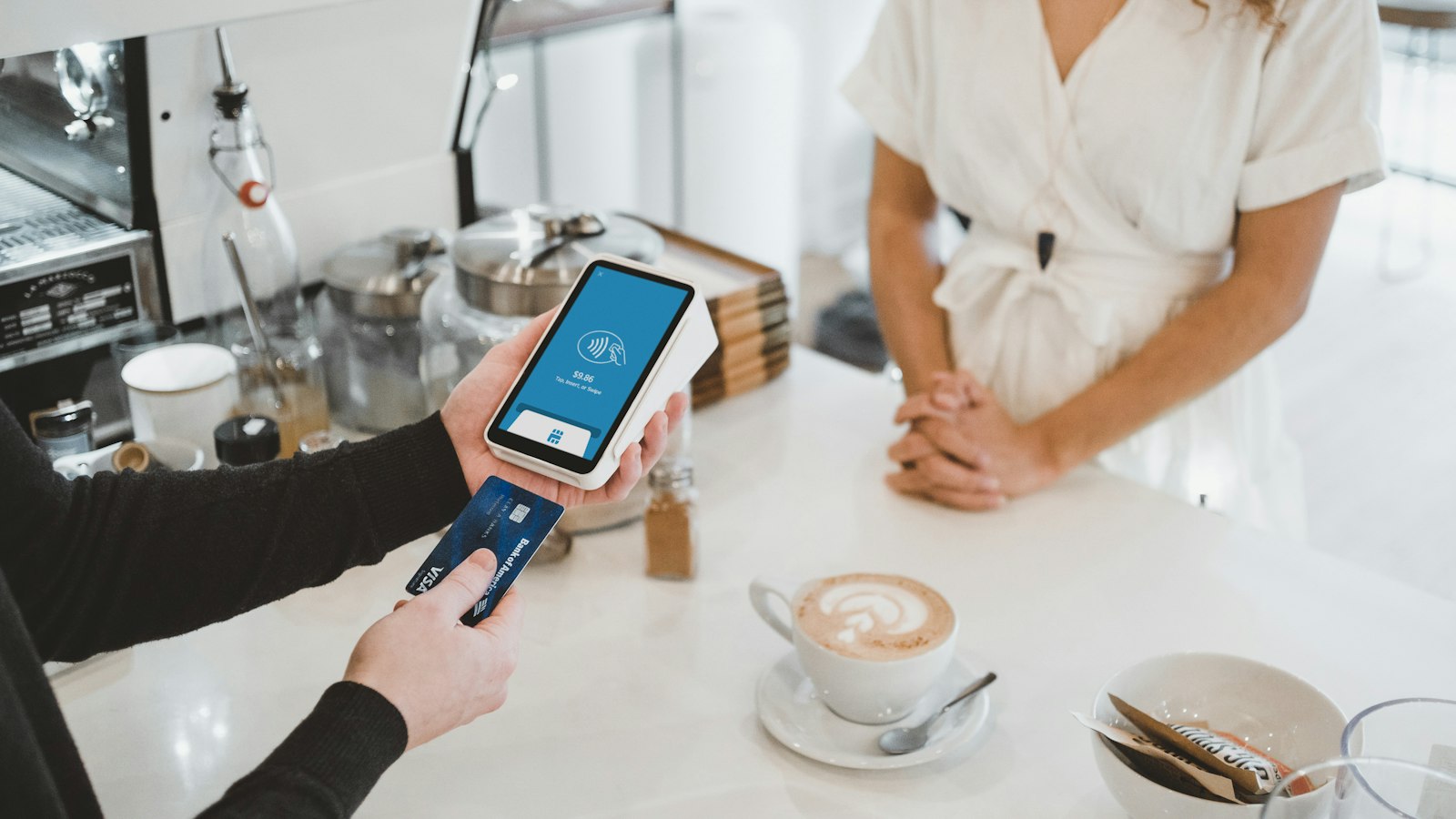
Card-not-present transactions, meaning any order where the physical card isn't swiped or tapped, carry a higher interchange rate than card-present transactions. When a guest orders online, picks up at the counter, and pays through your ordering platform, that transaction routes as card-not-present despite the person standing right there in front of you. If a meaningful share of your revenue comes through an online ordering channel, it pays to know what rate those transactions carry on your statement and whether your processor separates them clearly enough to track.
The practical question isn't just the rate on those transactions. It's also whether your online ordering platform integrates directly with your processor, or whether you're running two separate systems that require manual reconciliation at the end of every day. Processors that offer native online ordering integration push all transaction data into one reporting view, which saves real time during close. Some Clover point-of-sale systems offer this kind of consolidated reporting across in-store and online channels, which matters a lot when your manager is trying to close out at 11 p.m. on a Saturday.
Which Pricing Model Works for a High-Volume, Low-Ticket Business?
Flat-rate pricing charges the same percentage on every transaction regardless of card type. Interchange-plus passes the actual interchange cost through to you and adds a fixed markup on top. For a restaurant doing meaningful volume, these two models can produce very different monthly costs depending on your card mix.
Flat-rate pricing tends to favor businesses with high average tickets and infrequent transactions. When your average ticket is low and your transaction count is high, a flat rate that's even slightly above your blended interchange rate gets expensive because that gap multiplies across hundreds of daily transactions. Interchange-plus exposes you to the actual cost of each card type, so premium rewards cards cost more to accept, but basic debit and standard credit cards cost less.
Tiered pricing, where transactions are sorted into qualified, mid-qualified, and non-qualified buckets, is usually the least transparent model. Many card types end up in the most expensive tier.
What Contract Terms Catch Restaurant Owners Off Guard?
Equipment leases are the most common source of regret among restaurant owners who signed processor agreements without reading them closely. Leasing a terminal over 48 months often costs far more than buying the same device outright. If a processor quotes a low monthly fee but bundles equipment into a lease with an auto-renewal clause, the total cost of ownership looks very different at the end of year two.
Early termination fees vary widely. Some contracts charge a flat fee; others charge a percentage of projected monthly fees times the remaining months. Ask for the termination clause in writing before signing anything.
Support hours matter too. Your busiest hours are Friday evening, Saturday evening, and Sunday brunch. If your processor's support line runs Monday through Friday from 8 a.m. to 5 p.m., you are on your own when a terminal going down costs you the most.
What Red Flags Should You Watch for During the Sales Process?
A processor who can't explain their fee structure in plain terms is showing you something important about the relationship you'd be entering. If a sales rep talks around your direct questions about rates or quotes a rate without specifying whether it covers all card types, slow down. Ask to see a sample statement before you sign. A clean statement shows the interchange cost, the processor markup, and the per-transaction fee as separate lines. Anything that bundles these together makes monitoring your actual cost nearly impossible. Also ask about loyalty checkout programs, which work best when tied directly into your processor and POS from the start.
Questions to Ask Any Processor Before You Sign
Ask how tip adjustments work at the hardware level and what the adjustment limit is. Ask what rate applies to card-not-present transactions from your online ordering channel. Ask for interchange-plus pricing and a sample statement. Ask what the early termination fee is and whether equipment is sold or leased. Ask what support hours look like on Friday and Saturday nights. Ask whether their system integrates with your existing POS or online ordering platform, and ask whether the quote you're receiving covers all fees or whether there are add-on costs for things like batch processing, monthly minimums, or PCI compliance.
Picking Well Saves You More Than Shopping on Rate Alone
The processor with the lowest advertised rate isn't always the cheapest once you account for equipment costs, support gaps, and billing you can't read. The right fit for a restaurant is a processor who understands that your volume, your tip workflows, and your hours are genuinely different from a retail client, and who structures their pricing and support accordingly.
Common Questions
Does Your Processor Actually Handle Tips the Right Way?
Tip handling is where restaurants get burned most often, and it's rarely discussed upfront during the sales process. There are two main approaches: a tip prompt before the card is returned (or at the counter on a customer-facing screen), and a tip adjustment after the fact, where the server adds the tip from a signed slip to the authorization that's already been captured.
How Does Online Ordering Change Your Processing Costs?
Card-not-present transactions, meaning any order where the physical card isn't swiped or tapped, carry a higher interchange rate than card-present transactions. When a guest orders online, picks up at the counter, and pays through your ordering platform, that transaction routes as card-not-present despite the person standing right there in front of you.
Which Pricing Model Works for a High-Volume, Low-Ticket Business?
Flat-rate pricing is simple: you pay the same percentage on every transaction regardless of card type. Interchange-plus pricing passes the actual interchange cost through to you and adds a fixed markup on top.
Your Next Step: A Checkout That Keeps Lines Moving
Choosing a processor for your restaurant takes more thought than most people expect, and getting it wrong costs real money fast. Upward Merchant works with restaurants and cafes across the country on card processing, POS setup, pay-at-table hardware, and online ordering integration, so the team understands where the friction points tend to show up. They can review your current processing statement line by line and show you exactly where your costs are coming from before anything changes. If you're comparing options right now, a free review of your restaurant processing fees or a call to 1-855-GET-UPWARD (1-855-438-8792) is a good place to start.
Sources:
- Visa USA. "Consumer Transaction Controls." usa.visa.com, usa.visa.com/support/consumer/transaction-controls.html.
- Federal Reserve Financial Services. "Payments Research." frbservices.org, www.frbservices.org/resources/research/payments-research.html.
DISCLOSURE: This article is general information, not financial, legal or tax advice. Upward Merchant helps businesses set up payment processing, POS and related services through partner providers, and rates, approval and terms depend on each business. Mentions of other businesses and organizations are for information only and do not imply endorsement or payment.
Want to know what you're really paying?
Send us a recent processing statement and we'll walk you through it line by line. Free, with no obligation.