How Do You Keep Online Checkout Working on Black Friday?
Current as of November 2026.
Picture an online gift shop owner who's spent weeks building a Black Friday sale, stacking inventory, setting up discount codes, even running a preview email to her list. Then the morning hits, traffic floods in, and checkout starts throwing errors. The payment gateway times out. A few customers refresh once, then leave. She doesn't find out until she checks her abandoned cart report that afternoon. The sale ran fine on the surface, but a chunk of it quietly fell apart at the payment step.
That is what Black Friday risk looks like for a small online seller. The fix isn't complicated, but it does require setting things up before the day arrives, not scrambling during it.
Why Does Checkout Break on Black Friday in the First Place?
High traffic isn't just a volume problem for your server. It's a stress test for every layer your payment flow touches: your checkout page, your payment gateway, your card processor, your fraud screening tool, and the bank networks behind all of it. Most small merchants run setups that work fine on a normal Tuesday. Black Friday is not a normal Tuesday.
When you see a spike in declined transactions during a traffic surge, it usually comes from one of a few sources. Your gateway may have rate limits that flag rapid-fire order submissions as suspicious. Your fraud filters may tighten automatically when velocity spikes, blocking real customers who happen to be buying at the same moment as everyone else. Or the bottleneck lives upstream entirely, at the card network level, where processing times can slow when the whole industry is moving volume at once. Knowing which layer broke is what separates a fixable problem from a recurring one. If you haven't contacted your payment provider to ask how they handle Black Friday traffic, that conversation is worth having before the third week of November, not after.
What Does High Volume Do to Your Processing Costs?
Here's what many small merchants miss: Black Friday doesn't just bring more revenue. It brings more fees, and the math can surprise you if you haven't looked at it closely before a big day. Your per-transaction costs multiply with every sale, and if your pricing model isn't built for volume, you may be paying a higher effective rate than you realize.
Interchange-plus pricing tends to work in your favor when volume climbs, because your base costs track actual card costs rather than a flat rate that may have been set conservatively. Flat-rate pricing is easier to predict but can cost more per transaction at scale. If a major chunk of your Black Friday buyers are paying with premium rewards cards, which is common during gift-buying season, your interchange costs will run higher than your average month, because those cards carry higher interchange rates regardless of your pricing model. Reviewing your online checkout fees and payment setup before the season is a better use of an hour than reviewing it in December when the statements have already landed.
Chargebacks are also more likely after high-volume events. Customers who impulse-buy during a sale sometimes dispute charges days later. Each chargeback carries a fee, typically in the range of fifteen to one hundred dollars depending on your processor and the outcome, and if your dispute rate climbs above the card brand thresholds, you risk being placed on a monitoring program. Keeping your product descriptions clear, your refund policy visible at checkout, and your confirmation emails descriptive all reduce the chance a confused buyer files a dispute instead of emailing you.
What Should You Actually Check Before Black Friday?
Run a payment audit in the days before your sale. Start with your checkout page and test it on a phone. A large share of holiday buying happens on mobile, and a checkout form that loads slowly or has a button that's hard to tap will cost you sales your analytics will never fully capture.
Contact your payment gateway or processor and ask two direct questions: what is your uptime guarantee during peak traffic days, and do you have any velocity controls that might flag rapid legitimate orders from my sale? Some processors will whitelist your account or adjust fraud thresholds temporarily for known promotional events if you ask. Most won't do it automatically.
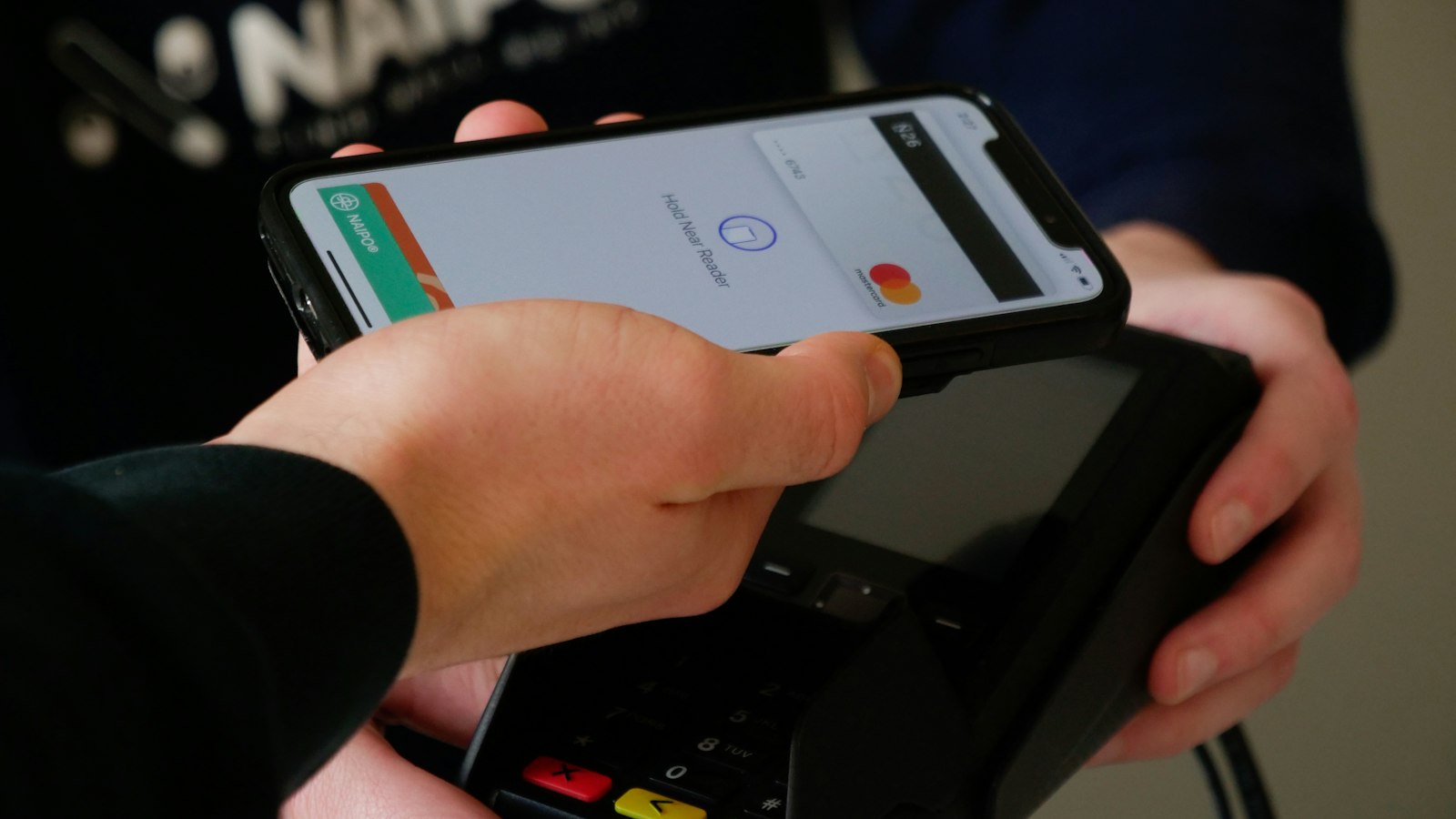
Also check whether your checkout supports digital wallets. Customers using Apple Pay or Google Pay convert at higher rates on mobile because they skip re-entering card details. For merchants taking early orders, handling online pre-orders and deposits cleanly matters for cash flow going into the event as much as it does during it.
What Are the Red Flags That Your Setup Won't Hold?
A few warning signs tell you your current setup isn't ready for a traffic spike. If your checkout page takes more than three seconds to load on a standard mobile connection, that's a problem that compounds under load. If your last statement showed a meaningful number of "soft declines," which are temporary failures rather than hard card rejections, your gateway may already be struggling at normal volume. If you don't have a payment backup, meaning a second way to accept payment if your primary gateway goes down, a single point of failure can take your entire sale offline for hours.
Merchants who run invoicing alongside their storefront should also confirm that their invoicing tool is on a separate system from their checkout, so a storefront issue doesn't knock out post-purchase billing. Recurring billing and invoicing for regular clients works best when it sits on its own stable platform, which is why some owners keep their invoicing and billing setup separate from their seasonal sales infrastructure.
How Do You Stay Calm When Something Goes Wrong Mid-Sale?
Have a plan, written down, before the day starts. Know who your payment processor's emergency support line is, have it saved, and know your account number. Know whether your checkout platform has a status page you can check to confirm whether an outage is on their end or yours. If checkout goes down for more than a few minutes during peak hours, consider switching temporarily to a payment link you can share via email or social, so buyers can still complete purchases while you troubleshoot.
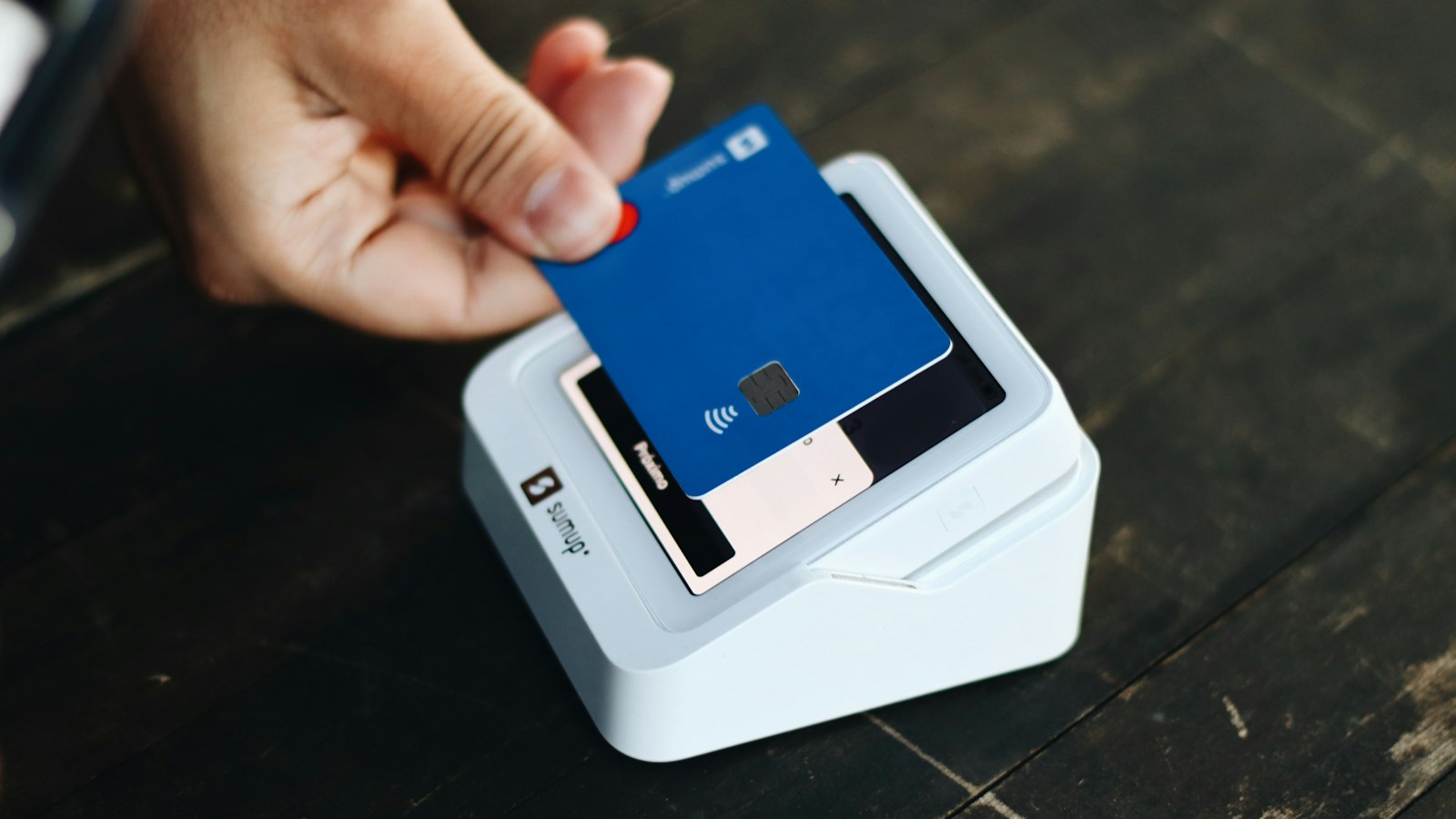
That kind of backup thinking extends to your hardware too. If you run a physical register, keep a mobile card reader charged and ready. If your internet goes out, know whether your terminal can process in offline mode. A simple one-page document taped near your register or pinned in your back-office inbox can hold all of this, so anyone on your team can act fast without waiting for you to walk them through it.
What Does a Strong Black Friday Do for Your Cash Flow?
A well-run Black Friday clears a lot of financial ground fast. The key is that the money actually moves, on time, in full, without unexpected holds. Processors sometimes flag unusual volume spikes for review, which can delay your deposit. If your sales on that one day are dramatically higher than your average week, call your processor ahead of time to set expectations. That one call has prevented more than a few small merchants from facing a 48-hour hold on their biggest deposit of the year.
The Checkout That Holds Is the One You Prepared
Checkout doesn't fail because the internet is slow. It fails because the setup under it wasn't tested, or the processor wasn't informed, or the fraud rules weren't adjusted. Handling those things in advance costs nothing but time.
Common Questions
Why Does Checkout Break on Black Friday in the First Place?
High traffic isn't just a volume problem for your server. It's a stress test for every layer your payment flow touches: your checkout page, your payment gateway, your card processor, your fraud screening tool, and the bank networks behind all of it.
What Does High Volume Do to Your Processing Costs?
Here's what many small merchants miss: Black Friday doesn't just bring more revenue. It brings more fees, and the math can surprise you if you haven't looked at it closely before a big day.
What Should You Actually Check Before Black Friday?
The most practical thing you can do in the days before the sale is run a payment audit, not a full technical overhaul, just a focused check of the points most likely to fail. Start with your checkout page itself.
Your Next Step: A Checkout Setup That Handles the Rush
Upward Merchant helps small businesses set up online payment processing, payment links, and checkout that's built to handle volume, not just average days. If you're heading into Black Friday with questions about your gateway, your fees, or whether your setup can keep up, a quick review can surface things worth fixing before they cost you. Reach out by phone at 1-855-GET-UPWARD (1-855-438-8792) or get a free review of your processing fees and go into the holiday with a setup you've actually tested.
Sources:
- PCI Security Standards Council. "Best Practices for Securing E-commerce." pcisecuritystandards.org, www.pcisecuritystandards.org/documents/Best_Practices_for_Securing_E-commerce.pdf.
- Visa. "Interchange Reimbursement Fees (U.S. Merchant)." usa.visa.com, usa.visa.com/support/small-business/regulations-fees.html.
- Mastercard. "Chargeback Guide and Dispute Management." mastercard.us, www.mastercard.us/en-us/business/overview/safety-and-security/dispute-resolution.html.
DISCLOSURE: This article is general information, not financial, legal or tax advice. Upward Merchant helps businesses set up payment processing, POS and related services through partner providers, and rates, approval and terms depend on each business. Mentions of other businesses and organizations are for information only and do not imply endorsement or payment.
Want to know what you're really paying?
Send us a recent processing statement and we'll walk you through it line by line. Free, with no obligation.