Can Customers Pay on Their Phones at Your Website Checkout?
Current as of October 2026.
Picture a shop owner who added an online store two years ago. Sales are steady, traffic is decent, but the checkout page still asks every customer to type in a sixteen-digit card number, an expiration date, a billing zip and a CVV. On a laptop, that's mildly annoying. On a phone, with autocorrect fighting every digit, it's enough to make a lot of people tap the back button instead. The short answer to whether your customers can pay with their phones at your checkout is: yes, but only if your payment setup is built to allow it, and many small business websites are not there yet.
Why are customers abandoning carts on mobile?
Shoppers who reach a checkout form on their phone and face a long card entry sequence often quit. The Baymard Institute, a checkout research firm, has tracked cart abandonment for over a decade, and their research consistently shows that friction at the payment step is one of the leading causes of incomplete purchases. The specific friction mobile shoppers face is real: a small keyboard, a card that may be in another room, and a form that doesn't auto-fill properly can all stack up in under thirty seconds. For a small business running on tight margins, losing even a handful of those transactions a week compounds fast over a month of sales.
What are mobile wallet payments?
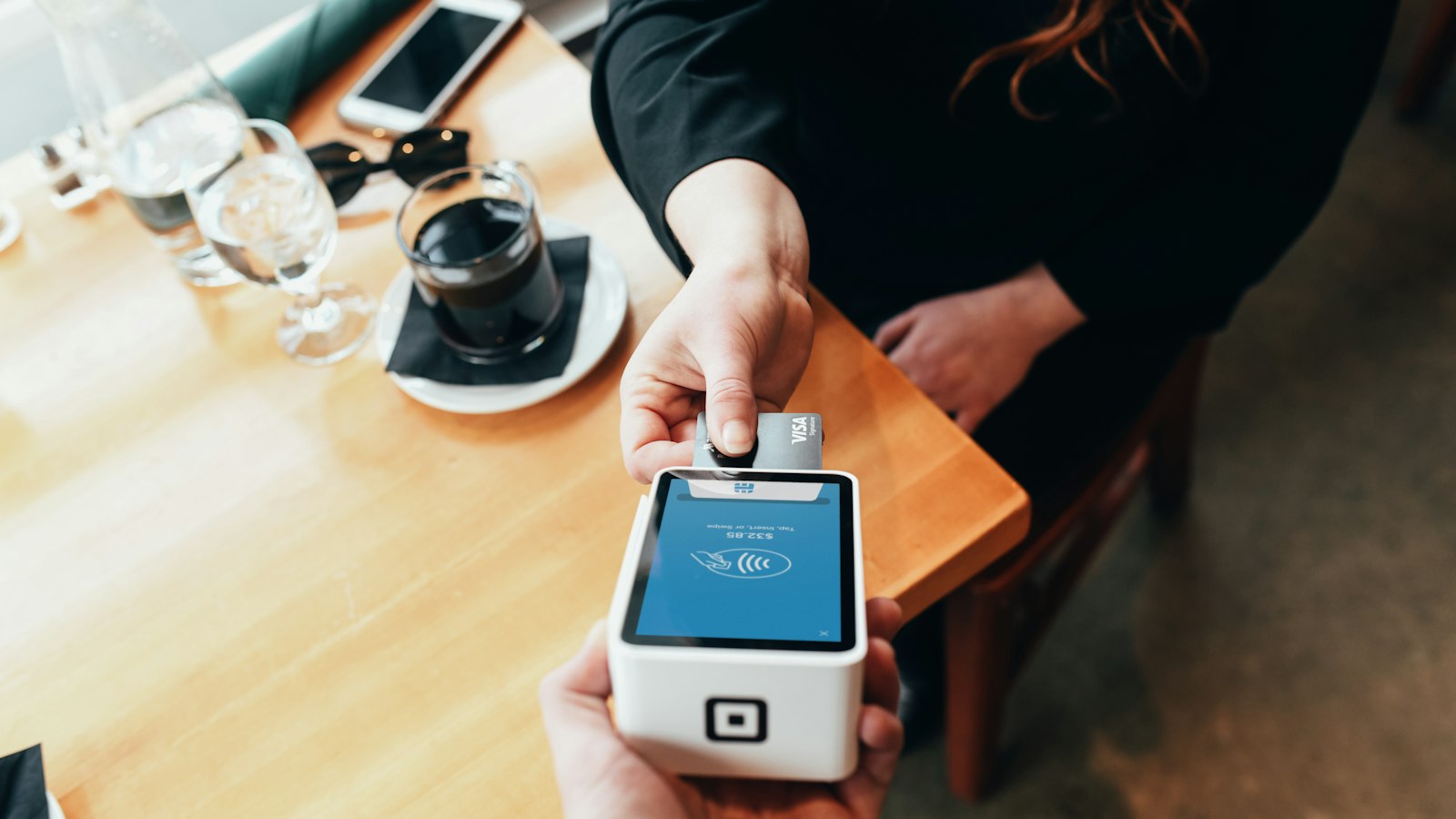
When a customer taps Apple Pay or Google Pay at your online checkout, they are not typing anything. Their phone authenticates the payment using a fingerprint, face recognition or a device PIN, then passes an encrypted token to your payment processor. The actual card number never travels across the connection. From the merchant's side, the transaction looks similar to a standard card payment, it goes through your processor and settles to your account on the same schedule. The meaningful difference is on the customer's side: the whole thing takes about three seconds. Samsung Pay, other one-tap wallet options and a browser's saved cards all work on similar principles, though the technical handoff varies slightly between them. What matters for setup is that your checkout page has to be able to "speak" to those wallet services, and that requires a processor or payment gateway that has built those integrations.
Does my current setup support mobile wallets?
This is where many small business owners find a gap. A website built on a major ecommerce platform like Shopify, WooCommerce or BigCommerce usually has mobile wallet support available, but it is not always turned on by default. You may need to enable it inside your payment settings, confirm that your processor is one the platform recognizes, and in some cases activate an API connection for Apple Pay that requires domain verification. That last step trips people up: Apple Pay for web requires the merchant to verify ownership of their domain through a file Apple provides. It takes about ten minutes if you know it's coming, and it's an invisible blocker if you don't. For merchants using a payment gateway separate from their ecommerce platform, the gateway itself needs to support the wallet APIs. Reviewing checkout options for your online store before assuming the feature is live is worth the fifteen minutes it takes.
How do fees work when shoppers use a digital wallet?
Mobile wallet transactions run on the same card rails as regular credit and debit payments, which means your interchange category, card network fees and processor markup all still apply. A Visa credit card stored in Apple Pay costs you the same interchange rate as that card swiped at a counter. What can shift is the fraud rate: because wallets use tokenization, they tend to have lower chargeback rates than manually entered card numbers, which reduces one of the more painful costs small online merchants absorb. If you want a clearer picture of how processing fees for online card payments break down line by line, your monthly statement is the right starting point.
What does setup cost and what records should I keep?
For most small business owners, enabling mobile wallet payments does not require buying new software. If your processor already supports it, activation is a settings change. Cost enters the picture if your current gateway does not support wallet APIs and you switch, or if you move from a basic payment button to a full checkout integration. In that case, you may pay a small monthly gateway fee, listed on processor statements as a "gateway" or "platform" line item. Keep processing statements going back at least twelve months so you can compare your effective rate before and after any switch. Businesses that also send bills may find it worth pairing a checkout update with a look at invoicing and recurring billing options.
Red Flags That Your Mobile Checkout Is Costing You
A few signals are worth watching. If your site's mobile conversion rate is meaningfully lower than desktop, and your analytics confirm traffic is roughly split, payment friction is a likely contributor alongside page speed. If customers email asking whether they can pay a different way, that's a direct signal. And if you check your processor's transaction log and see almost no wallet-type transactions despite healthy mobile traffic, the integration may be broken rather than simply inactive. Some processors flag wallet transactions differently in reporting, so it's worth asking your rep how those are labeled in your specific dashboard. Processors that cannot answer that question clearly are worth reconsidering. Knowing how digital wallets appear in payment reporting can save you from misreading your own numbers.
How do mobile payments affect my monthly cash flow?
When mobile wallet payments reduce cart abandonment, the effect shows up as a higher conversion rate on existing traffic rather than new visitors. You are not spending more on ads. The same number of people who found your site complete their purchase rather than leaving. That incremental revenue, even when it represents a modest lift in conversion percentage, lands in your settlement account on the same schedule as all other card transactions. Predictability is the real benefit here: fewer abandoned carts mean fewer spikes and valleys in daily deposit amounts, which makes the end-of-month reconciliation cleaner.
Your Checkout Is Either Helping or Costing You
Mobile shoppers have made a decision by the time they reach your checkout: they want what you sell. A smooth payment experience gets out of their way. A clunky one gives them a reason to leave and find a competitor whose site doesn't.
Common Questions
How do I add Apple Pay to my website checkout?
Apple Pay for web requires domain verification through an Apple-provided file placed on your server, and your payment gateway must support the Apple Pay API. Most major ecommerce platforms walk you through this in their payment settings, but you need a compatible processor before the option appears.
Do mobile wallet payments cost more in processing fees?
The interchange rate for a card stored in a mobile wallet is usually the same as for that card used any other way, since the card network sets the rate, not the wallet provider. Where you may see a difference is in chargeback rates, which tend to be lower for tokenized wallet transactions than for manually entered card numbers.
What happens if my checkout does not support Google Pay or Apple Pay?
Customers who prefer those options will either type in their card number manually, which adds friction, or abandon the cart entirely. Neither outcome is good for conversion, and on mobile screens the abandonment rate skews higher because card entry is more cumbersome on a small keyboard.
Can I accept mobile wallet payments without a full ecommerce platform?
Yes. Payment links and hosted checkout pages from certain processors support Apple Pay and Google Pay without requiring a full storefront build. This works well for service businesses that invoice clients or take deposits, since the customer gets a mobile-friendly payment page without you needing a product catalog.
Is it safe for my business to accept mobile wallet payments online?
From a merchant's standpoint, wallet payments carry less fraud risk than manually entered card numbers because the actual card number is replaced by a token. That does not eliminate chargebacks entirely, but it does reduce the category of fraud tied to stolen card numbers being typed at checkout.
Your Next Step: A Payments Setup That Fits Your Store
Upward Merchant works with small business owners to review their current payment setup, identify gaps in mobile and online checkout support, and connect them with processing options that fit how their customers actually pay. Whether you need a gateway that supports Apple Pay and Google Pay, clearer pricing on card payments, or a setup that handles both online checkout and invoicing, the conversation starts with a free review of your current situation. To get started, request a payments setup that fits your store or call 1-855-GET-UPWARD (1-855-438-8792).
Sources:
- Apple Inc. "Apple Pay on the Web, Apple Developer Documentation." developer.apple.com, developer.apple.com/documentation/apple_pay_on_the_web.
- Apple Inc. "Preparing Your Merchant Server for Apple Pay on the Web." developer.apple.com, developer.apple.com/documentation/apple_pay_on_the_web/preparing_merchant_server_for_apple_pay_on_the_web.
- Baymard Institute. "Cart Abandonment Rate Statistics." baymard.com, baymard.com/lists/cart-abandonment-rate.
- Visa Inc. "Regulations and Fees (Small Business)." usa.visa.com, usa.visa.com/support/small-business/regulations-fees.html.
DISCLOSURE: This article is general information, not financial, legal or tax advice. Upward Merchant helps businesses set up payment processing, POS and related services through partner providers, and rates, approval and terms depend on each business. Mentions of other businesses and organizations are for information only and do not imply endorsement or payment.
Want to know what you're really paying?
Send us a recent processing statement and we'll walk you through it line by line. Free, with no obligation.