Can Shoppers Really Pay With Digital Wallets Everywhere?
Current as of October 2026.
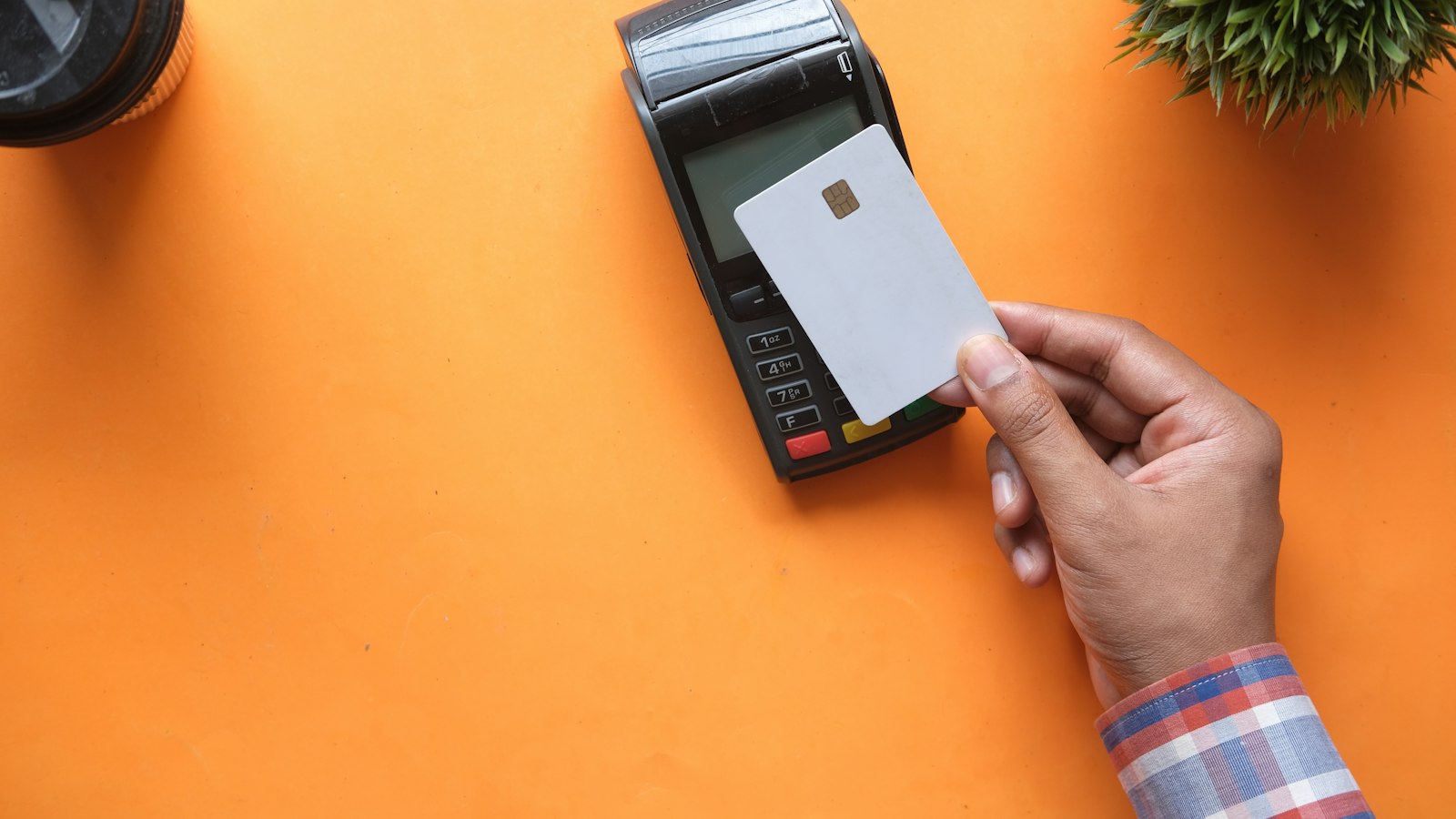
Picture a family who drives across town to a new boutique, because they saw it on Instagram, only to find the shop's card reader can't process a tap-to-pay transaction. They've left their physical cards at home. The sale doesn't happen. That's not a rare story in the small business world, and it points to a real divide between where digital wallet expectations are and where actual acceptance stands.
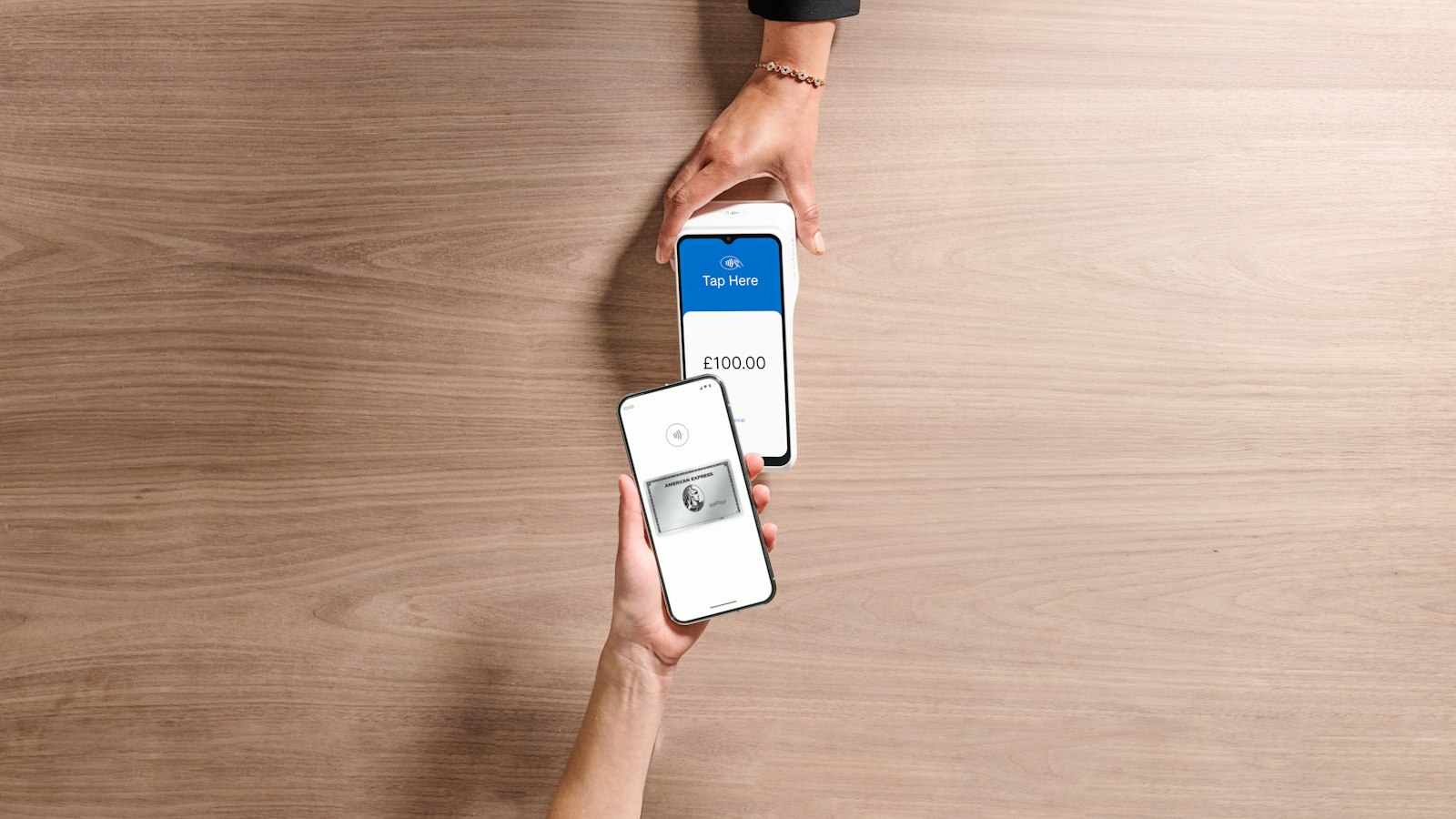
The short answer: no, shoppers cannot pay with digital wallets everywhere in the United States, even in 2026. Acceptance has grown considerably among larger retailers and national chains, but small and independent businesses still have meaningful gaps, both in-person and online.
Why Small Merchants Fall Behind the Curve on Contactless Payments
The gap between what shoppers expect and what small merchants can actually process comes down to hardware, pricing models, and timing. A large grocery chain or pharmacy upgraded its terminals years ago and wrote off those investments long ago. A neighborhood boutique or a family-run auto shop doesn't operate on the same capital cycle. If a merchant's existing equipment still swipes and dips, there's often no urgent business reason to replace it. That logic holds until more customers start arriving without a physical card in their wallet.
Digital wallet transactions use near-field communication, or NFC, technology. If a terminal lacks NFC capability, it physically cannot accept a tap-to-pay transaction. A merchant might assume their equipment handles tap payments when the setting was never turned on by their processor. That's a fixable problem, but only if the merchant knows to ask. Pricing adds another layer too. Some processors bundle fees in ways that make the cost of different payment types hard to see. A breakdown of fees on your processing statement can help clarify what to look for.
What Does Accepting a Digital Wallet Actually Cost a Merchant?
There's a persistent belief among some small business owners that digital wallet transactions are somehow more expensive than a standard card swipe. In most cases, that's not accurate. The underlying interchange for a wallet-funded transaction is set by the card network, the same as for the physical card behind it. A Visa credit card transaction carries Visa interchange whether the customer taps their phone or hands over a plastic card. The processor's markup sits on top of that, and that's where the real cost differences tend to live.
Where merchants sometimes get tripped up is in how their processor structures fees around different payment types. Some processors apply a different tier to contactless or wallet transactions, not because the interchange itself changed, but because of how they've built their pricing model. If a business is on a tiered pricing plan, a wallet transaction might get bucketed differently than a swiped card. That's a pricing structure issue, not a wallet issue. Reading the merchant statement carefully, or having someone walk through it with you, can make that distinction clear pretty quickly.
What does cost real money is running a checkout flow that's inconsistent. A customer who can't pay the way they expected may abandon the transaction entirely, especially in an online context. For a shop doing most of its revenue in card sales, losing even a small percentage of checkout completions to friction adds up over a month. Think about a customer who opens their phone to pay, finds no wallet option, and simply closes the tab. That sale is gone. The Federal Reserve's research on consumer payment behavior has consistently shown that payment method availability affects completion rates, particularly among younger buyers who have grown up defaulting to mobile wallets. For merchants building out online checkout for ecommerce payments, wallet support isn't a luxury feature anymore.
Where Are the Biggest Gaps for Online Sellers?
The online checkout experience is where inconsistency tends to do the most damage, and that often gets overlooked. A shopper at a physical counter can pull out a backup card. A shopper halfway through an online checkout who doesn't see Apple Pay or Google Pay listed may simply leave the page.
Small businesses that sell online through their own websites often rely on payment gateways that either don't support wallets natively or require separate configuration to enable them. Many merchants set up their online store once and never revisit the payment settings. By the time wallet support became standard on major gateways, those merchants had already moved on to other priorities. The result is a checkout page that works fine for cards yet offers no wallet option, despite the gateway technically supporting it.
This is a different problem from the in-person terminal issue because it's almost entirely a configuration problem, not a hardware one. It's not technically complex, but it requires someone to actually do it.
For businesses that send invoices rather than hosting a full storefront, the situation is similar. Invoice payment links often support cards only, depending on the platform. Switching to a platform that lets clients pay via wallet through a recurring billing and invoicing checkout can reduce friction on the client end without requiring any change to how the merchant sends or tracks invoices.
How Can Small Business Owners Know Where They Stand?
Start with your terminal. If it's countertop equipment installed before 2020, contact your processor and ask directly whether NFC is enabled. Don't assume. If the terminal has a contactless symbol printed on it, that's a good sign, but confirmation from your processor is the only way to know for certain that it's active and processing correctly.
For online sellers, log into your payment gateway's dashboard and look for wallet payment settings. Most major gateways list Apple Pay and Google Pay under payment methods or checkout options. If they're toggled off, or if you've never seen that screen, that's your starting point. Test the checkout from a mobile device using your own wallet before assuming it works.
Red flags worth watching: if your processor can't tell you clearly which payment methods your terminal accepts, that's a gap in their service. If your online checkout hasn't been reviewed since you first set it up, wallet support is the most common thing that gets missed.
Will Fixing This Actually Improve Sales?
For merchants serving younger adults, particularly in retail, food service, and personal care, the answer is yes, in a practical sense. Payment friction is real, and the customers most likely to have a digital wallet and no physical card are also the customers most likely to walk away rather than adapt. That's not speculation; it's been the consistent direction of consumer payment preference data for several years.
Running a tighter payment setup also simplifies your own accounting. When customers pay through consistent, trackable channels, reconciling daily sales against deposits takes less time. That's a small but genuine operational benefit.
The Honest Picture for Merchants and Shoppers
Digital wallet acceptance across the country is wider than it was three years ago, but it's not universal, and the gaps run in predictable places: independent retail, older service businesses, and small online storefronts that haven't been updated. Shoppers who rely exclusively on their phone to pay will still run into friction. Merchants who haven't audited their checkout since setup are likely leaving some transactions on the table.
Common Questions
What Does Accepting a Digital Wallet Actually Cost a Merchant?
There's a persistent belief among some small business owners that digital wallet transactions are somehow more expensive than a standard card swipe. In most cases, that's not accurate.
Where Are the Biggest Gaps for Online Sellers?
The online checkout experience is where inconsistency tends to do the most damage, and that often gets overlooked. A shopper at a physical counter can pull out a backup card.
How Can Small Business Owners Know Where They Stand?
Start with your terminal. If it's countertop equipment installed before 2020, contact your processor and ask directly whether NFC is enabled.
Your Next Step: A Payments Setup That Keeps Up
Upward Merchant helps business owners across the country take a clear look at their online payments, so what they pay matches how they actually sell. That starts with a plain-English walk through a recent statement, line by line, with every fee explained. From there we set up the terminals, online checkout or payroll tools that fit the business, and stay a phone call away after setup. If you want to know what you are really paying, card payments and we will go through it with you.
Sources:
- Federal Reserve Financial Services. "2024 Findings from the Diary of Consumer Payment Choice." frbsf.org, www.frbsf.org/cash/publications/fed-notes/2024/may/2024-findings-from-the-diary-of-consumer-payment-choice.
- PCI Security Standards Council. "Document Library." pcisecuritystandards.org, www.pcisecuritystandards.org/document_library.
- Visa. "Visa Rules." visa.com, www.visa.com/support/consumer/visa-rules.html.
- Visa. "Small Business Regulations and Fees." usa.visa.com, usa.visa.com/support/small-business/regulations-fees.html.
- Visa. "Contactless Payments for Merchants." visa.com, www.visa.com/chip/merchants/grow-your-business/payment-technologies/contactless-payments.html.
DISCLOSURE: This article is general information, not financial, legal or tax advice. Upward Merchant helps businesses set up payment processing, POS and related services through partner providers, and rates, approval and terms depend on each business. Mentions of other businesses and organizations are for information only and do not imply endorsement or payment.
Want to know what you're really paying?
Send us a recent processing statement and we'll walk you through it line by line. Free, with no obligation.